
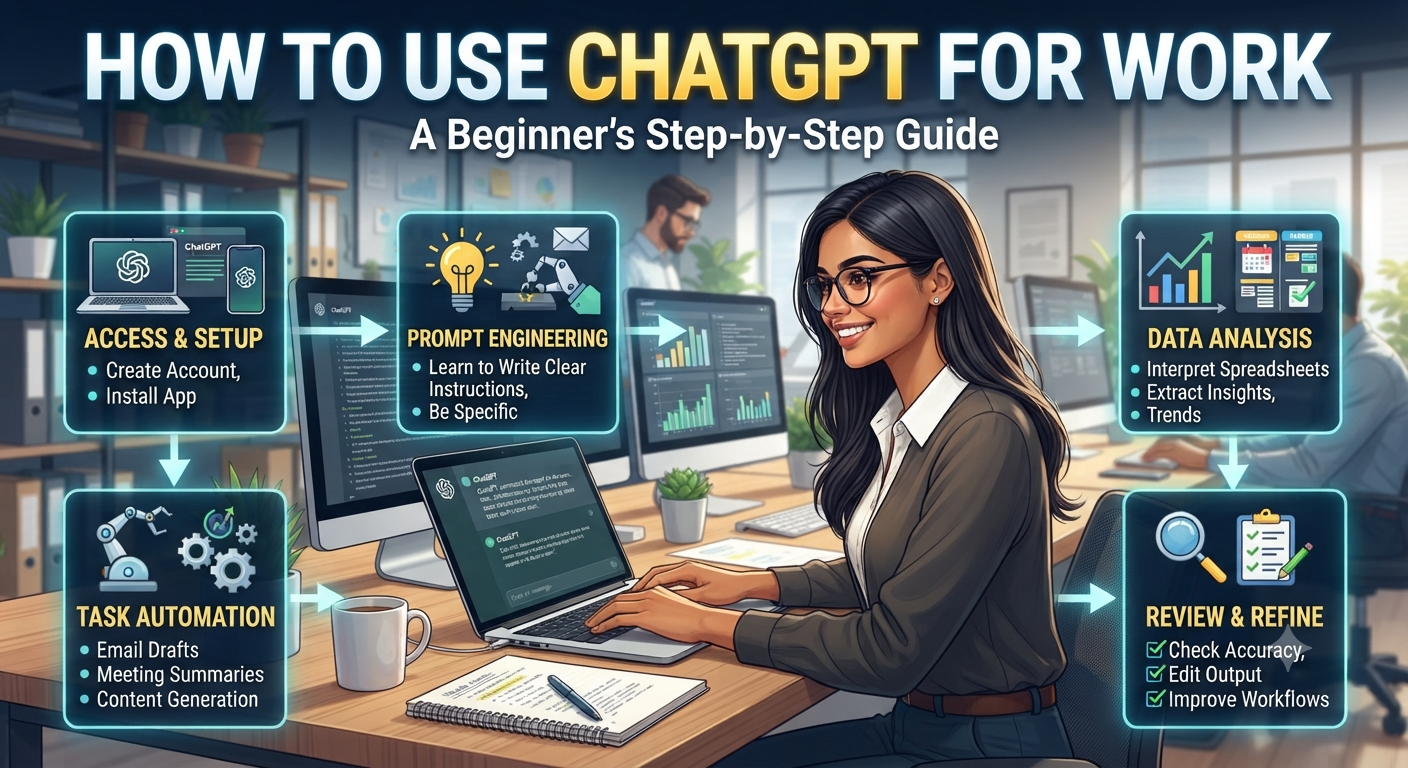
How to Use ChatGPT for Work: A Beginner’s Guide
ChatGPT has become a useful assistant for professionals, freelancers, entrepreneurs, and small business owners.
It can help you write emails, summarize information, brainstorm ideas, create documents, analyze text, and complete many other everyday tasks.
However, getting useful results depends largely on how you communicate with the AI.
In this beginner’s guide, you’ll learn how to use ChatGPT effectively at work, write better prompts, and avoid some of the most common mistakes.

What Is ChatGPT?
ChatGPT is an AI assistant developed by OpenAI that can understand and generate natural language.
You can interact with it using simple conversational instructions instead of traditional software commands.
For example, you can ask it to:
- Write an email
- Summarize a document
- Explain a complex concept
- Brainstorm ideas
- Rewrite text
- Create a checklist
- Help analyze information
The quality of the response depends heavily on the instructions you provide.
You can access ChatGPT through the official ChatGPT website.
How to Get Started With ChatGPT
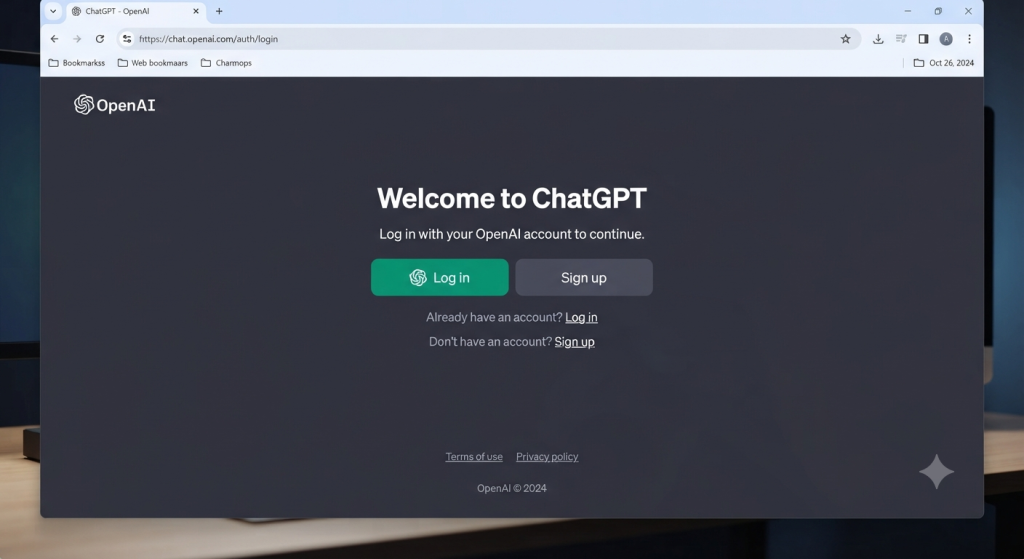
Step 1: Create or Access Your Account
Start by accessing ChatGPT and signing in to your account. Depending on the plan and features available to you, ChatGPT may offer different models and capabilities.
Step 2: Start a New Conversation
Once you’re inside ChatGPT, start a new conversation.
Each conversation can focus on a specific task or topic.
For example, you could have separate conversations for:
- Writing emails
- Creating blog content
- Business research
- Learning
- Brainstorming
- Project planning
Keeping conversations organized can make it easier to find information later.
Step 3: Write Your First Prompt
A prompt is the instruction you give to ChatGPT.
Instead of writing:
“Write an email.”
You can provide more context:
“Write a professional email to a client explaining that our meeting needs to be rescheduled from Tuesday to Thursday. Keep the tone polite and concise.”
The second prompt gives ChatGPT much more information about what you want.
How to Write a Good ChatGPT Prompt
One of the biggest mistakes beginners make is giving ChatGPT instructions that are too vague.
A useful prompt usually includes several elements:
- Role: Tell ChatGPT what perspective it should use.
- Task: Explain exactly what you want.
- Context: Provide relevant background information.
- Format: Explain how you want the answer structured.
- Tone: Specify whether you want a professional, friendly, concise, or detailed response.
Example of a Weak Prompt
“Write a business email.”
This prompt doesn’t provide enough information.
Example of a Better Prompt
“Act as a professional business communication assistant. Write a short email to a potential client who requested information about our consulting services. Keep the tone professional and friendly and end with a clear call to action.”
This gives ChatGPT a clear role, task, context, and tone.
Want more ready-to-use AI prompts? Explore our [Prompt Library] for practical prompts you can copy and adapt.
5 Practical Ways to Use ChatGPT at Work
1. Writing Professional Emails
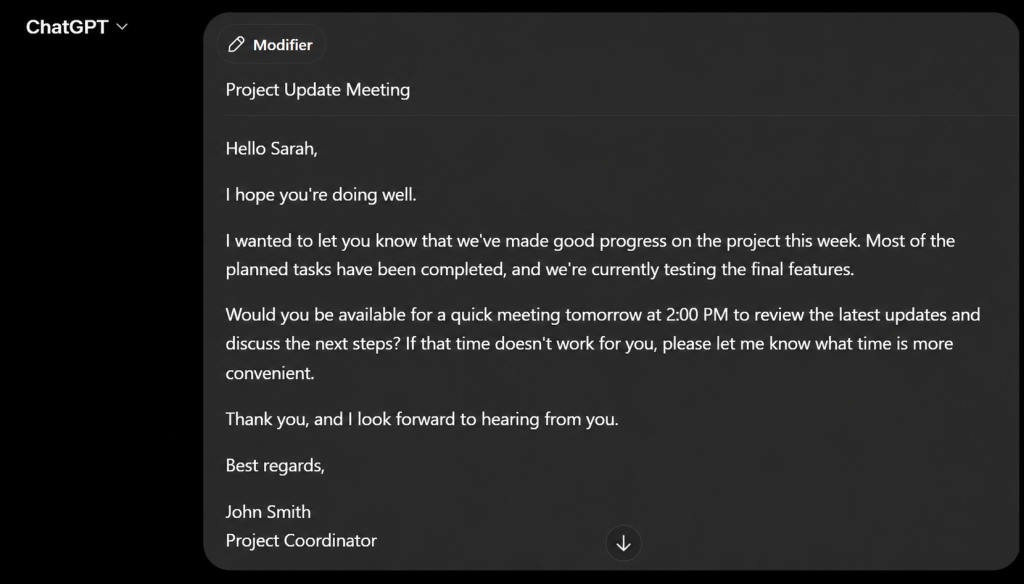
One of the easiest ways to use ChatGPT is to improve your emails.
You can ask ChatGPT to write an email from scratch, rewrite an existing message, make your tone more professional, or shorten a long email.
Example prompt:
“Rewrite this email in a professional but friendly tone. Keep it under 120 words and make the request clear.”
2. Summarizing Long Information
If you have a long piece of text, ChatGPT can help summarize the key points.
For example, you can ask it to turn a long document into:
- A short summary
- Bullet points
- Key takeaways
- Action items
- Questions to investigate
Example prompt:
“Summarize the following text into five key points. Then list the three most important actions I should take.”
⚠️ Important
Avoid uploading confidential company information, personal data, passwords, or sensitive business documents unless you understand the relevant privacy and data-handling implications.
For information about how OpenAI handles data and privacy, see its official privacy documentation.
3. Brainstorming Ideas
ChatGPT can also act as a brainstorming partner.
You can use it to generate ideas for:
- Marketing campaigns
- Business names
- Blog topics
- Social media content
- Products
- Business strategies
Example prompt:
“Give me 15 blog topic ideas for a small business that sells eco-friendly products. Group the ideas into beginner, intermediate, and advanced topics.”
4. Learning New Concepts
ChatGPT can explain difficult subjects using simpler language.
You can even ask it to adapt its explanation to your level.
For example:
“Explain machine learning as if I’m a complete beginner. Use a simple real-world example and avoid technical jargon.”
You can then ask follow-up questions to deepen your understanding.
If you’re interested in using AI to improve your daily productivity, check out our guide: [10 Everyday Uses of AI Tools for Personal Productivity].
5. Creating Checklists and Workflows
ChatGPT can turn complex tasks into simple step-by-step processes.
For example:
“Create a step-by-step checklist for launching a new blog. Divide it into preparation, launch, and post-launch tasks.”
This can make large projects easier to manage.
How to Get Better Results From ChatGPT
Getting good results isn’t only about writing long prompts. The most important thing is to give ChatGPT enough relevant information to understand your objective.
Try these techniques:
- Be specific about your goal.
- Provide relevant context.
- Tell ChatGPT who the audience is.
- Specify the desired format.
- Give examples when possible.
- Ask ChatGPT to improve or revise its answer.
- Verify important information.
Use Follow-Up Prompts
You don’t have to create a perfect prompt on your first attempt.
One of the advantages of ChatGPT is that you can continue the conversation.
For example:
“Make it shorter.”
Then:
“Make the tone more professional.”
Then:
“Give me three alternative versions.”
This iterative approach can produce much better results than trying to write one enormous prompt.
Common ChatGPT Mistakes to Avoid
Giving Too Little Context
If ChatGPT doesn’t understand your situation, the answer may be generic.
Provide enough information for the AI to understand the task.
Trusting Every Answer
ChatGPT can make mistakes or provide outdated or incorrect information.
For important business, financial, legal, or technical decisions, verify information using reliable sources.
Sharing Sensitive Information
Never assume that an AI tool should automatically receive confidential information.
Think carefully before entering personal, financial, customer, or company-sensitive information.
Publishing AI Content Without Reviewing It
AI-generated content should be reviewed, edited, and fact-checked before publication.
Adding your own experience, examples, opinions, and expertise can make the final content more useful and authentic.
Frequently Asked Questions
Is ChatGPT free to use?
ChatGPT offers free access as well as paid plans. Available features and limits can vary depending on the plan.
Can I use ChatGPT for work?
Yes. ChatGPT can assist with many professional tasks, including writing, brainstorming, summarization, research, and organization.
However, businesses should consider their organization’s policies before entering confidential information into an AI service.
What is the best way to use ChatGPT?
The best approach is to give clear instructions, provide relevant context, specify the desired output, and review the response before using it.
How can I make ChatGPT give better answers?
Be specific about your goal, audience, context, tone, and desired format. You can also ask follow-up questions to improve the response.
Can ChatGPT replace employees?
ChatGPT can automate or accelerate certain tasks, but it doesn’t replace the judgment, experience, creativity, and human interaction required for many professional roles.
ChatGPT can become a powerful everyday assistant when you know how to use it effectively.
From writing emails and summarizing information to brainstorming ideas and creating workflows, even beginners can use AI to save time and improve productivity.
The key is simple: give clear instructions, provide useful context, review the results, and keep improving your prompts.
Ready to get more out of AI?
Explore our 📚 Prompt Library for ready-to-use prompts, or visit our 🧠 Tutorials section for more practical step-by-step guides.